Creating cool lettering for flyers or posters belongs to the everyday routine of professional illustrators. In this overview of high quality text effects for Adobe Illustrator you’ll certainly find loads of inspiration for your own projects.
Letters become distorted and chunky. They turn into smoke, plants or juicy pieces of cake. Others get some emphasis by adding a 3rd dimension for plasticity. There really is a directly applicable example for almost every case of use. Detailed instructions allow even beginners to achieve the presented outcomes.
Enjoy!
Create a Stylish Colorful Text Effect in Illustrator
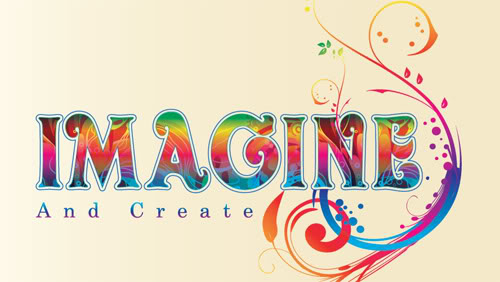
The Hidden Power of the Average Command: Creating Swirly Type
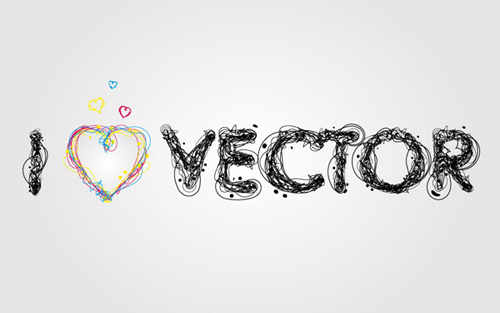
Create a Mummy Text Effect

Create an Airport Time Table Type Effect
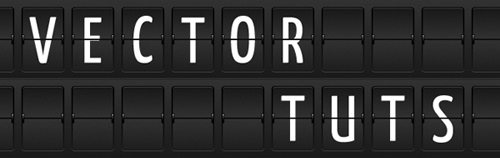
Grungy 3D Text In Illustrator
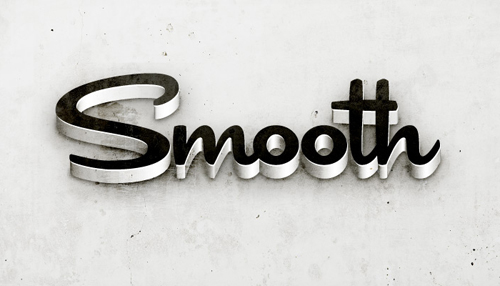
Create a Furry Calligram in Illustrator
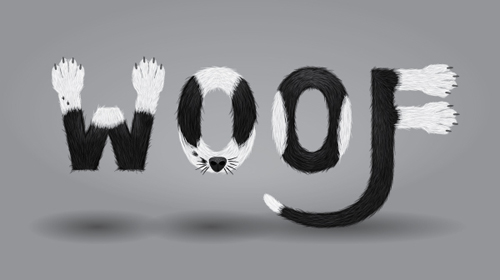
Easily Create Sticker Text and Graphic Effect in Illustrator

Creating stunning, detailed typography with Illustrator
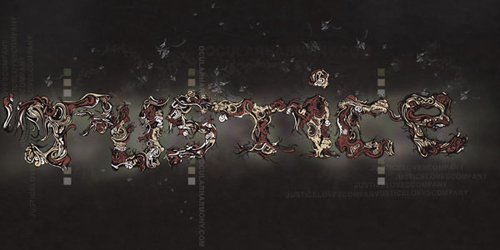
Learn to Create a Variety of Script Lettering

Cool Typography with the Blend Tool in Illustrator

Getting Carried Away with Balloon Lettering

Create a Dripping Icing Cake font
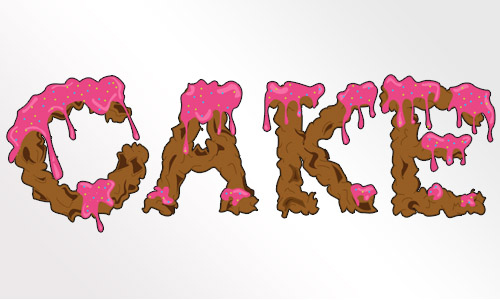
How to Create an Entangled Lettering Illustration – Part 1
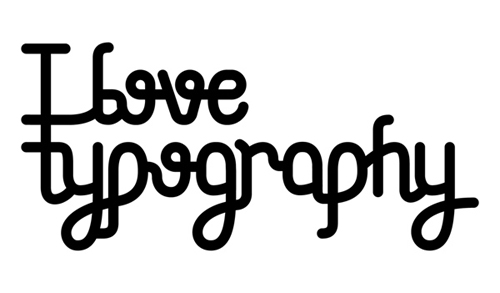
Create An Editable Stitched Label Type Treatment

Create a Glowing Neon Sign using the Appearance Palette

Create a Variety of 3D Lettering Effects for Poster Design

Create a Reusable Retro Type Treatment
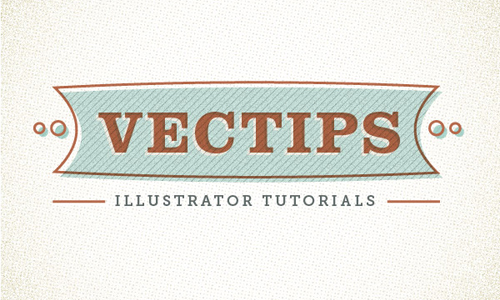
Create a Swirly Type Treatment

How to Make a Flesh Ripping Zombie Type Treatment

How to Make a Wooden Text Effect with Adobe Illustrator

How to Create Smoky Brushes and Type In Illustrator CS4

Working with type in Illustrator

Creating an Environmentally Friendly Green Type Treatment

Adding Gradients to Text

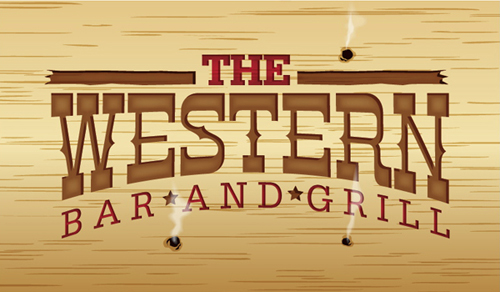
How to Create a Smokin’ Western Type Treatment in Illustrator
Blueprint Style Text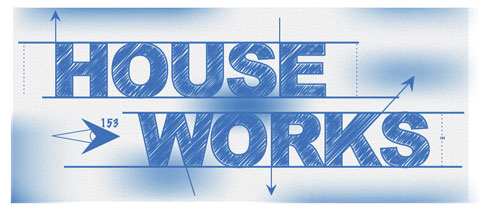
Distressing Text with Live Trace in Adobe Illustrator
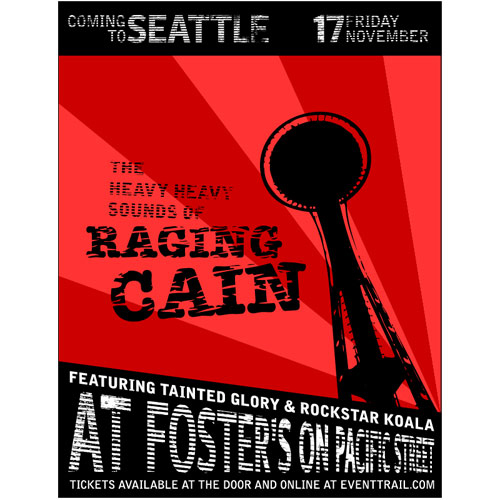
Tug and Twirl Text in Illustrator

Quickly Add Grunge To Text

Stitched Text Effect